PS5 SSD for GTA 6: Two 1 TB Drives That Fit
Need a PS5 SSD for GTA 6? Check the exact WD_BLACK SN850P and Samsung 990 PRO heatsink models, compare Sony’s fit limits, and see when you can skip the upgrade.
How we compared
We compared the exact 1 TB U.S. retail models against Sony’s PS5 M.2 requirements and checked their published dimensions, interface, cooling and read speeds. Sandisk identifies the SN850P as PlayStation licensed; Samsung lists PS5 compatibility for the 990 PRO with Heatsink. We did not physically install either drive or benchmark GTA VI. Read speeds are manufacturer ratings. Product links go to manufacturers and do not earn a commission.
Do you actually need a PS5 SSD for GTA 6?
If your PS5 already has room for GTA VI, keep your money. The game can run from the console’s built-in storage. If you need more room and want to keep your other games installed, start with two 1 TB drives: the PlayStation-licensed WD_BLACK SN850P, model WDBBYV0010BNC-WRSN, and the Samsung 990 PRO with Heatsink, model MZ-V9P1T0CW. Check the whole model number before paying. Both have built-in cooling and meet Sony’s published requirements based on the manufacturers’ specifications.
Start at Settings → Storage and look at the free space on the drive where you want to install the game. Rockstar’s preload FAQ says to allow up to 212 GB of available space depending on your device. The requirement on your PS5 is the one to work from. Treat the FAQ figure as a planning ceiling for the preload, rather than the permanent size of every PS5 installation. If you plan to install on the internal drive, free space on a USB drive or on a separate M.2 drive does not add to that internal total.
For example, if your console shows 165 GB free and the download calls for 212 GB, you’re short by 47 GB. Moving a 63 GB PS5 game to USB extended storage would bring that free space to roughly 228 GB if nothing else changes. You might solve your problem in one transfer. If you’ll be juggling that same group of games every week, a second drive you can actually play from starts to make sense. After making room, check the number on the console again before starting the download.
Two compatible 1 TB PS5 SSDs with built-in heatsinks
Compare these two listings by the exact part numbers below. Both drives add playable PS5 storage, so you can install GTA VI on the expansion drive or keep GTA VI on console storage and move your other games. The choice comes down to the price you can get, whether you want official PlayStation licensing, and whether the seller clearly identifies what will arrive.
WD_BLACK SN850P 1 TB: The PlayStation-licensed pick
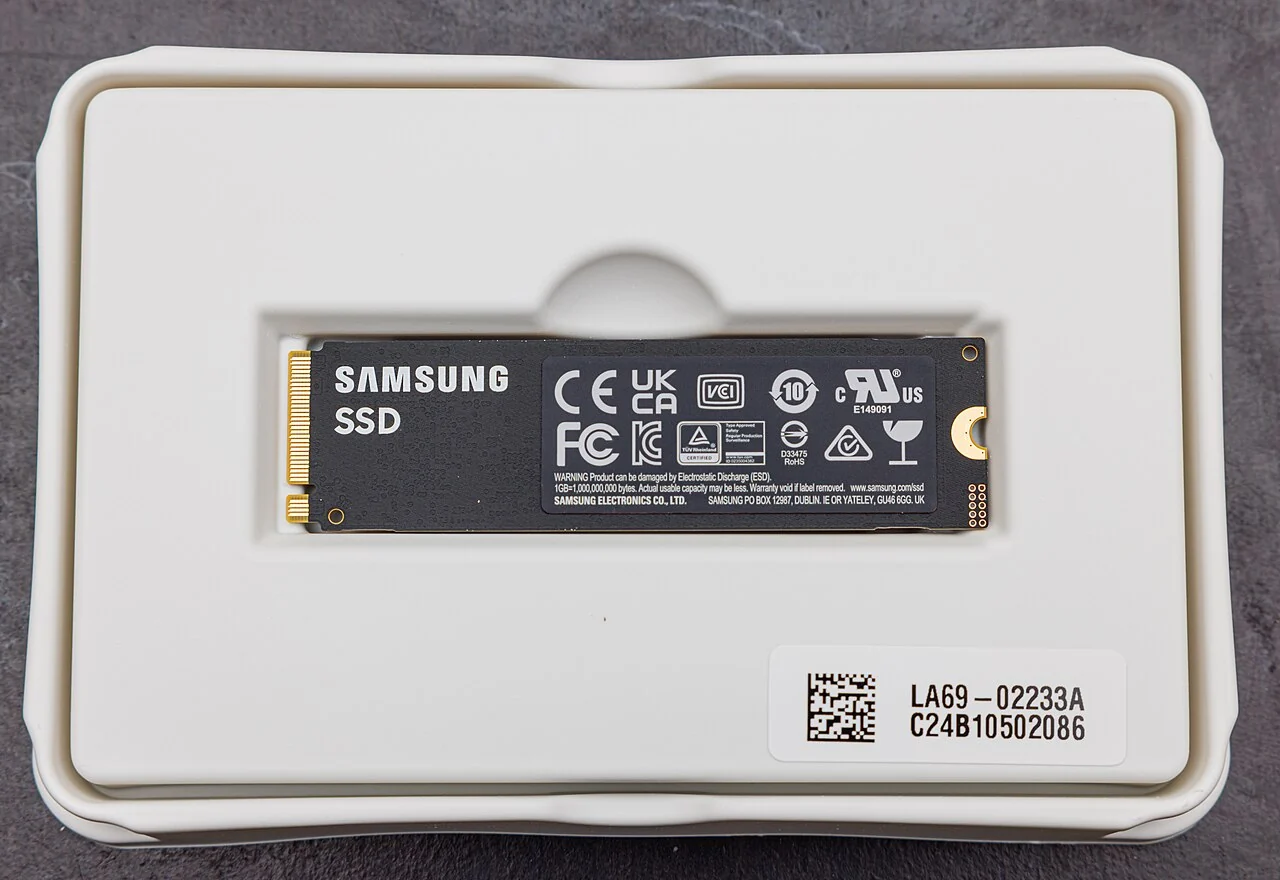
Look for WDBBYV0010BNC-WRSN. Sandisk lists this 1 TB drive as an officially licensed PS5 M.2 2280 NVMe SSD with an integrated heatsink. The datasheet gives nominal dimensions of 80 × 24.46 × 9.89 mm with the heatsink and a tolerance of ±0.20 mm on each dimension. It uses PCIe Gen4 and supports four lanes. The advertised sequential read speed for this exact capacity is up to 7,300 MB/s.
Choose this one if the PlayStation license makes the purchase simpler for you or if the total price is about the same as Samsung’s. The SN850P is the specific line recommended here. A result that just says “WD_BLACK” or a listing that switches to an SN850X when you select 1 TB is a different purchase. Other lines can have compatible models, but you need to verify their specific cooling hardware and dimensions separately. Check the model in the selected option and again in the cart.
Samsung 990 PRO with Heatsink 1 TB: Compare the checkout price
Look for MZ-V9P1T0CW. Samsung identifies this U.S. retail model as the 1 TB 990 PRO with Heatsink and lists PS5 compatibility for the heatsink series. The drive uses PCIe Gen4 x4 NVMe, is an M.2 2280 module, and measures up to 80 × 24.3 × 8.2 mm with the heatsink. Samsung rates sequential reads at up to 7,450 MB/s. If this is the cheaper of the two at checkout and the exact SKU matches, it’s the one I’d buy.
The 150 MB/s difference between the advertised speeds doesn’t tell you how many seconds either drive saves in GTA VI. Those are sequential-read ratings under manufacturer test conditions, not two measurements from the same PS5 loading the same save. Pay for the capacity and correct fit. If the listing drops “with Heatsink” when you change the capacity, go back to the manufacturer’s page and check the SKU before buying.
How to check whether an M.2 drive fits your PS5
Sony specifies an M.2 NVMe drive with a PCIe Gen4 x4 connection and a Socket 3 Key M connector. The console supports drives from 250 GB to 8 TB, in five supported lengths. Both of the drives above are 2280, meaning the module uses the 22 mm by 80 mm board format. The heatsink can extend beyond the width of the board, which is why the model’s assembled dimensions matter. An older M.2 SATA drive can look similar in a listing and still be incompatible.
With the cooling hardware attached, Sony allows up to 25 mm of total width and 11.25 mm of total thickness. Its drawing also specifies separate clearances: up to 8.0 mm above the board and 2.45 mm below. Those two measurements matter if you’re fitting a separate heatsink. A cooling assembly can be thin enough in total and put too much material on one side. For this roundup, we checked the overall dimensions against Sony’s limits and the manufacturer’s PS5 compatibility or licensing separately. We did not measure the drives ourselves.
Sony requires effective cooling and recommends a sequential read speed of at least 5,500 MB/s. Both named models come with their own heatsinks and clear the recommended speed on paper. A retailer photo showing a slim stick with the same brand and name is insufficient. Match the actual model, the words “with heatsink,” and the capacity. A product page that lets you choose a bare drive and a cooled drive can use the same headline and photos for both, even though only one is ready for the PS5 as sold.
1 TB or 2 TB: Pay for the games you keep installed
Pick 1 TB if the goal is GTA VI plus a few other PS5 games you actually play. Start with the library you already use. Add up the installed sizes of the games you’d move off console storage, then include the space you still want for new installs. Use the figure reported in Settings → Storage once the drive is formatted. The capacity printed on the box won’t equal the space shown as available, and a growing library can eat through free space faster than you think.
Consider 2 TB if several people use the console, you rotate among multiple large games, or clearing room is already a regular job. Price both capacities with the heatsink included, and compare the total price after shipping. Keep some room beyond what you need today for updates and downloads. There is only one M.2 expansion slot, so you’d replace the 1 TB drive if you outgrew it later. If you choose 2 TB, verify that specific part number, cooling and dimensions; the model numbers checked here are for 1 TB.
Here’s a way to decide without estimating how many games fit in a terabyte: write down the games you want available on short notice and look up their current sizes in your own storage menu. Put games you’ve finished on a separate list. If the first list fits comfortably after you make room for GTA VI, buying 2 TB because you might revisit the second list is hard to justify. If your everyday list is already pushing up against the smaller drive, price out 2 TB before you buy.
Can you use an external USB SSD for GTA VI?
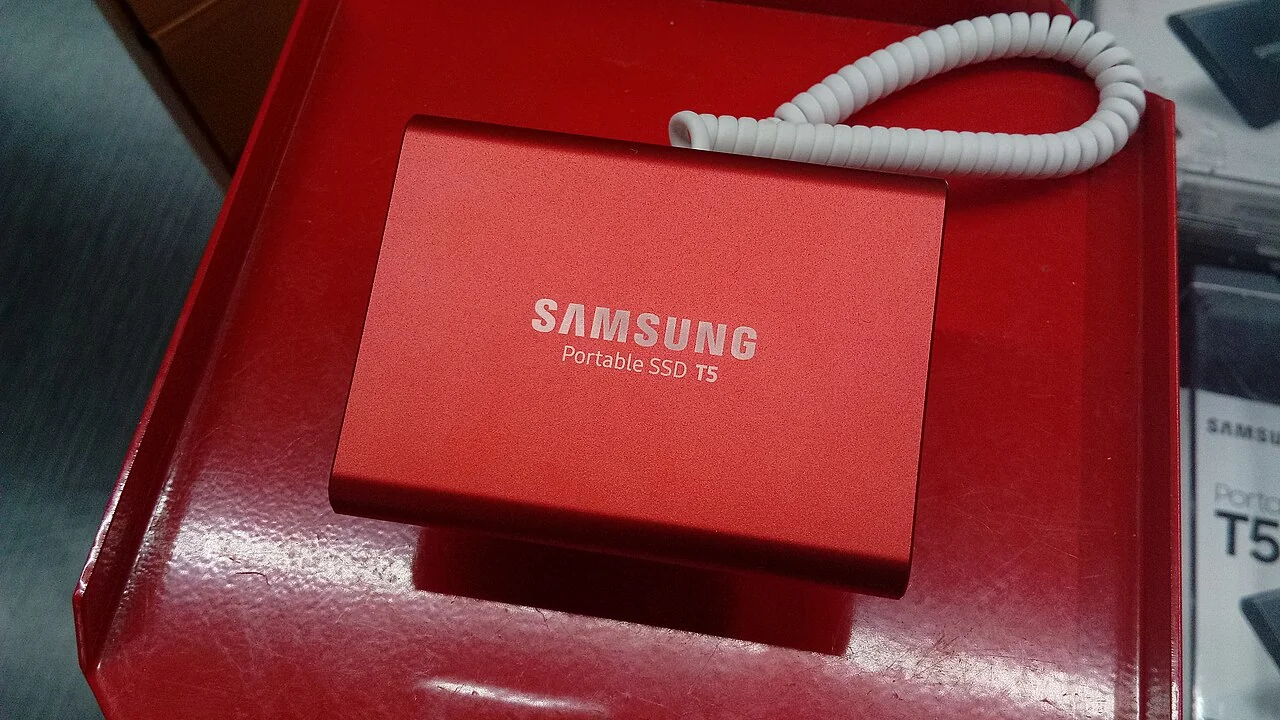
You can archive PS5 games on a compatible USB extended storage device. To play them, first copy them back to console storage or a supported internal M.2 drive. That makes a USB drive useful if you have an older game you want to keep without downloading it again. For GTA VI itself, moving the game to USB would free space for something else, but the console would still need enough internal or M.2 space to put it back before you could play.
If you already own a compatible external drive, start by moving a big PS5 game you’re unlikely to open this week. Sony also lets you run PS4 games directly from USB extended storage, so moving those off the console can free space without adding a copy step when you want to play them. If you’re setting up a USB drive for the first time, check Sony’s requirements and back up anything you want to keep before formatting.
After installation, check where GTA VI will download
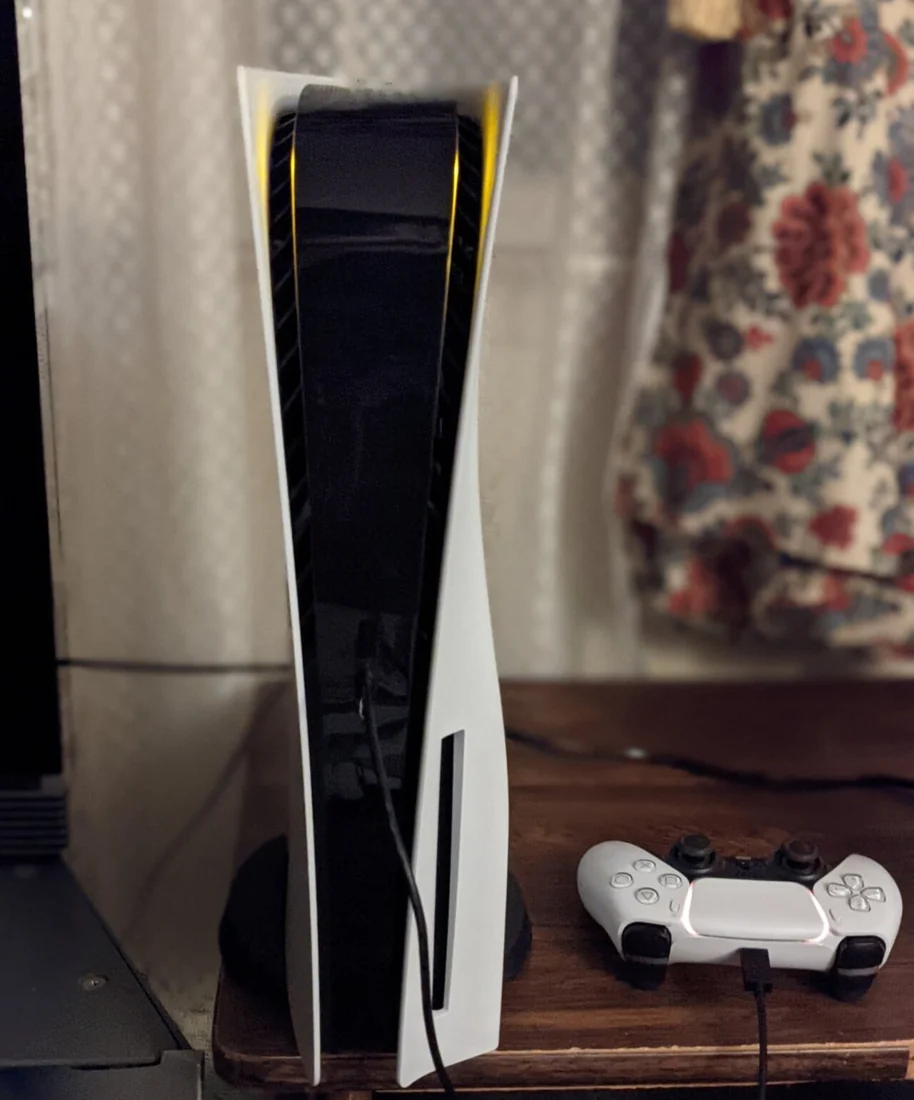
Update the PS5 system software and follow Sony’s instructions for your specific console model. The cover comes off differently depending on which PS5 you own. Power the console down, unplug it, and let it cool before opening it. Keep the supplied spacer aligned with the drive length, and use the expansion-slot cover as Sony directs. If the drive doesn’t sit correctly or the slot cover won’t go back on, stop and check the fit. Forcing a cover down won’t solve a clearance problem.
The first time the PS5 detects the M.2 drive, it prompts you to format it. That erases anything already on the drive. After formatting, go to Settings → Storage and confirm that M.2 SSD Storage appears with available space. To change the destination for new games, check Settings → Storage → Installation Location. If GTA VI is already installed on your console storage and you want it on the expansion drive, use the console’s move option rather than deleting the game and downloading it again.
Before closing the store or storage screen, go back to the number that started this decision. Does the drive you’ll actually use have the space the game asks for? If yes, go ahead with the preload steps. If not, check the selected destination first. Buying a larger drive won’t help a download that’s still targeting the nearly full console storage.